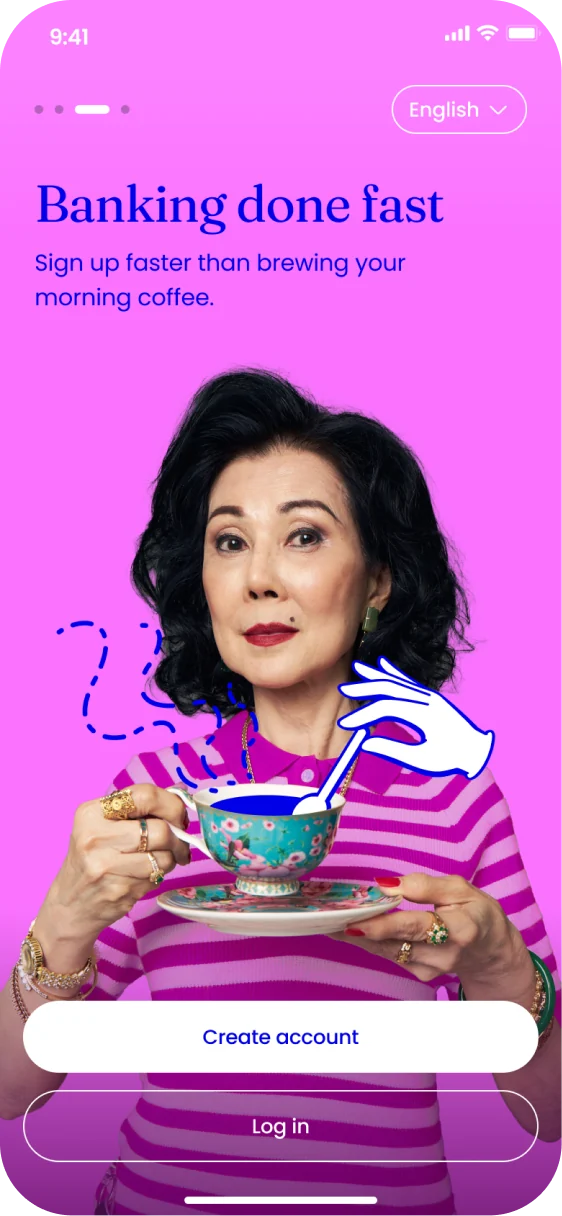
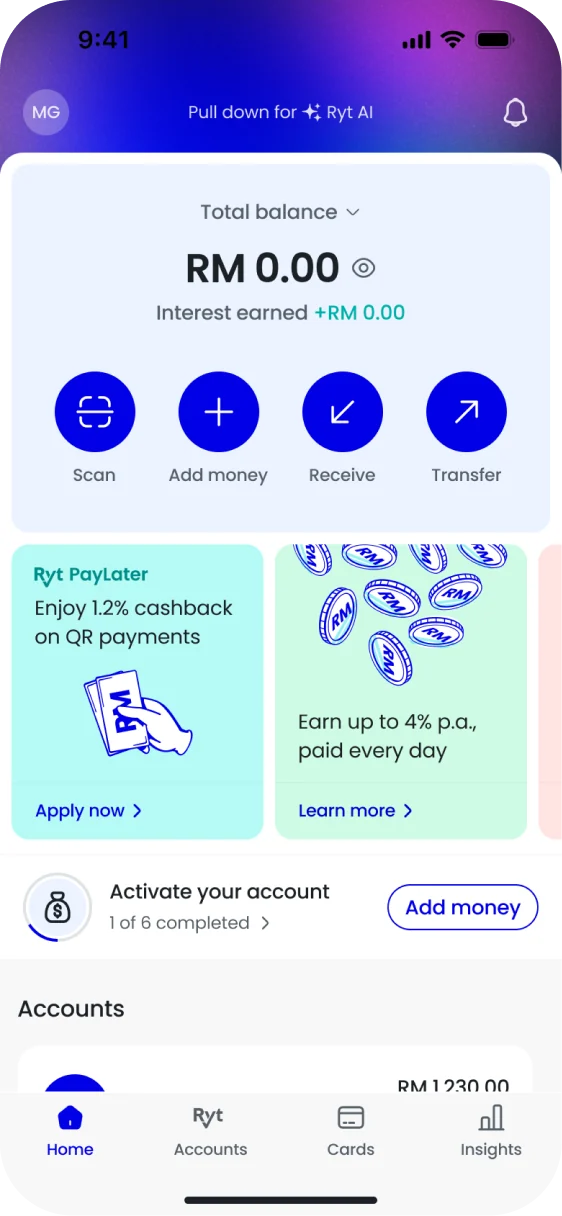
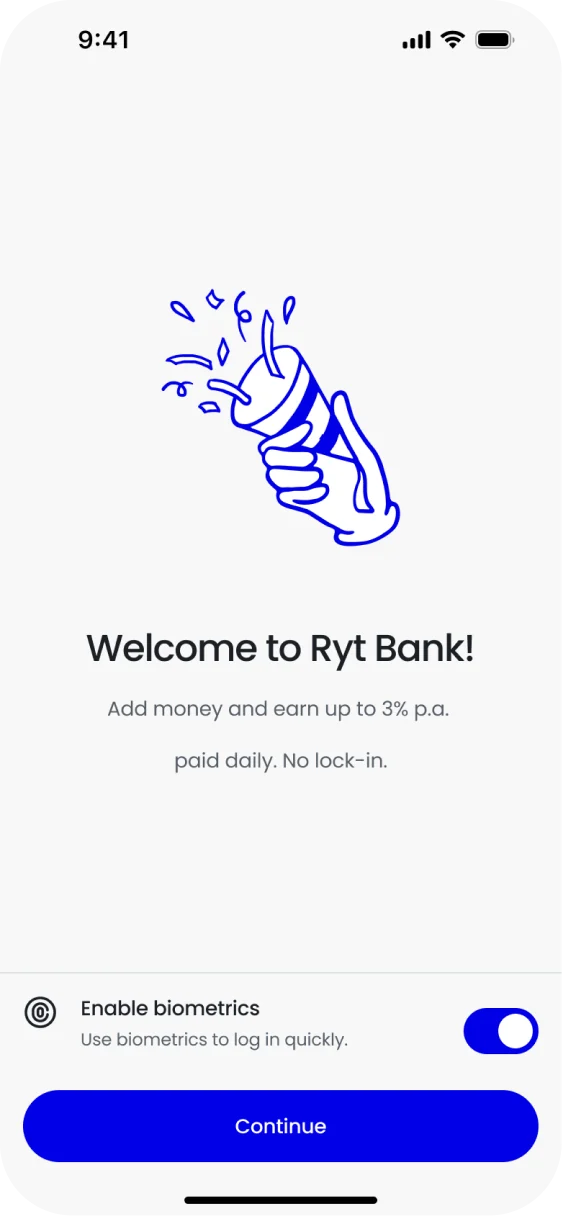
Opening a bank account in the app, from MyKad to first deposit.
Role
Lead product designer
Year
2023
Platform
iOS and Android
Status
Live in English, Malay and Chinese
The problem
Ryt Bank has no branches. Everything a branch does to open an account had to happen on a phone, in one sitting.
ID checks, declarations and device security are all required. The job was making them feel like ordinary steps in an app.
The flow
Five stages, from the first screen to an account with money in it.
1Sign up
Mobile number
One-time password
Create a passcode
2Verify
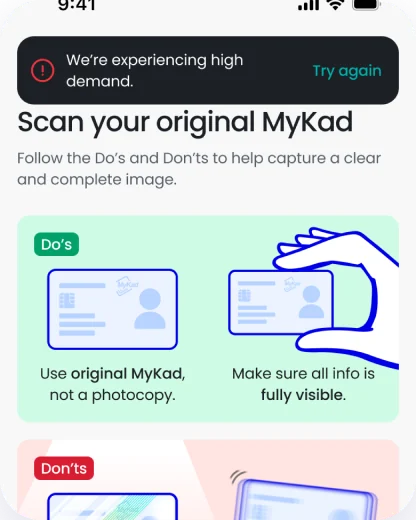
Scan your MyKad
Take a selfie
Face match
3Details
Personal details
Job and income
Tax residency
Sign the terms
4Review
Verifying
Welcome, or try again
Turn on biometrics
5Activate
Add money
Link DuitNow ID
Try Ryt AI
Get a Ryt card
Verify your email
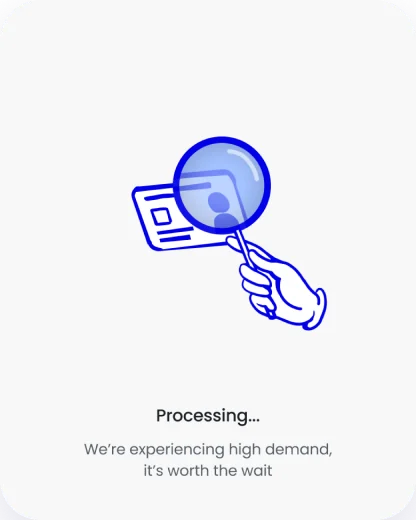
0 to 3 s3 to 10 sAfter 10 s
ProcessingThe loader and a short line of copy.
Still workingThe copy changes to say it’s busy.
Back to the scanA note and a one-tap retry.
01 · The wait
A long ID check never looks frozen.
Checks can take longer at busy times. After 3 seconds the copy says so, and after 10 you’re back on the scan screen with a one-tap retry.
How a review can end
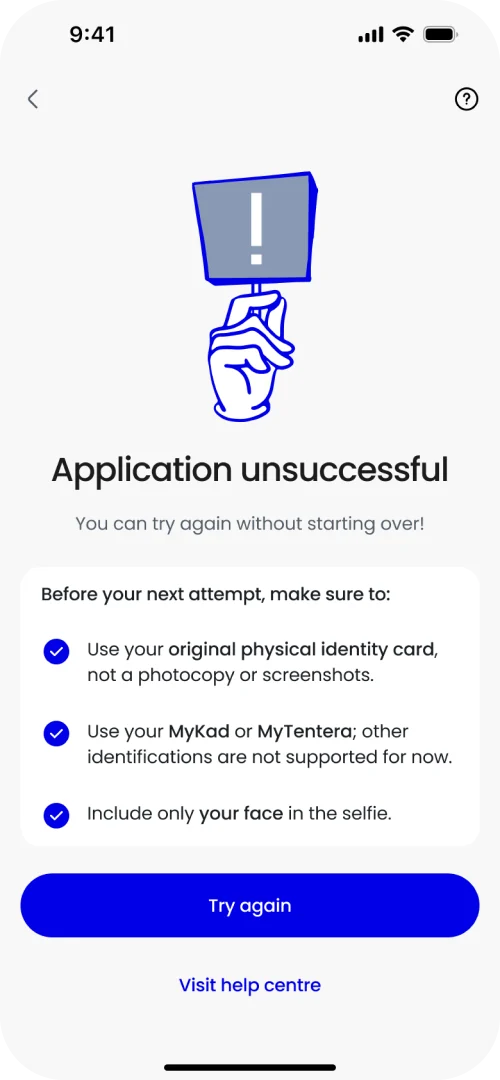
Can retryRedo the ID check. Nothing else is lost.
Application expiredVerify your identity again to pick it back up.
Not eligibleA clear answer and a link to support.
02 · Trying again
A failed check doesn’t mean starting over.
If the ID check fails, you redo just that step, with a short list of what to fix: an original MyKad, no photocopies, only your face in the selfie.
03 · After approval
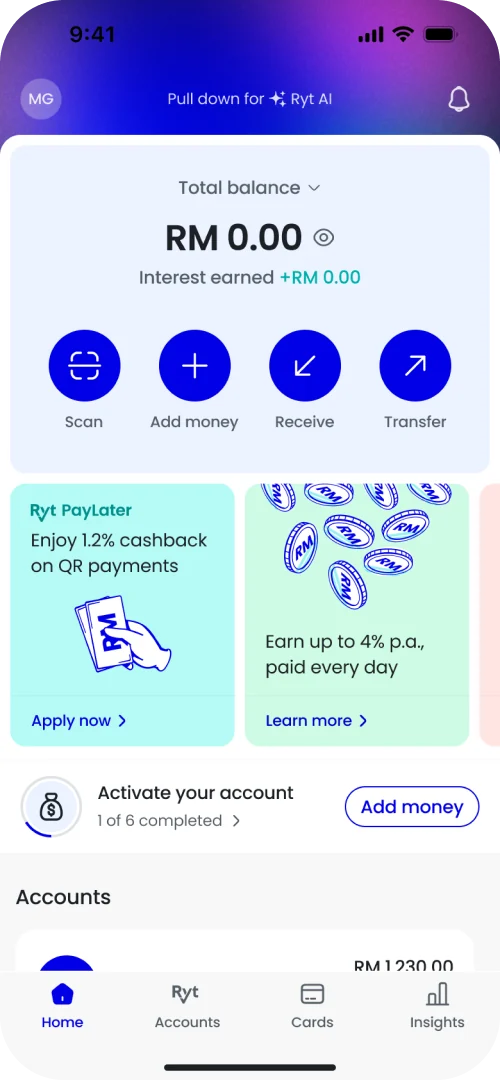
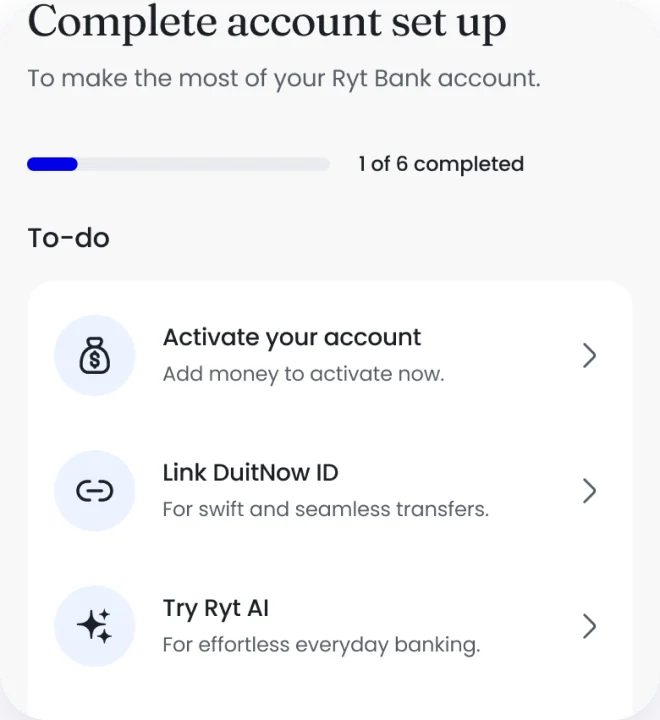
Setup carries on from home, one task at a time.
New accounts land on home with a short checklist: add money, link DuitNow ID, try Ryt AI, get a card and verify your email. Each one ticks off as you go.
The states
Two small inputs, ten states between them. Each one is drawn from the screens that shipped.
PasscodeSix digits, set once and paired to this phone.
Create passcode
Empty
Create passcode
Typing
Create passcode
Filled
Create passcode
Do not use repeated or consecutive numbers.
Too simple
Create passcode
Do not use your mobile number.
Your mobile number
Confirm passcode
The passcodes don’t match.
Don’t match
One-time passwordSix digits, sent by SMS.
Enter OTP
Request another OTP in 0:59
Waiting
Enter OTP
111111
Please enter a correct OTP.
Resend OTP
Wrong code
Enter OTP
111111
OTP has expired. Please request a new OTP.
Resend OTP
Expired
Enter OTP
111111
Too many attempts. Try again later.
Too many attempts
In the press
“Signing up takes less than 2 minutes. All you need is your MyKad and a selfie.”
Hakem Hassan · August 2025
“The process feels smooth, is quick, and okaylah, polished.”
Izzat Najmi Abdullah · August 2025
What I learned
Most of onboarding is the unhappy path. Waits, retries and expired sessions took more of my time than the happy path, because that’s where people decide whether to trust a new bank.