 MYR
MYR SGD
SGD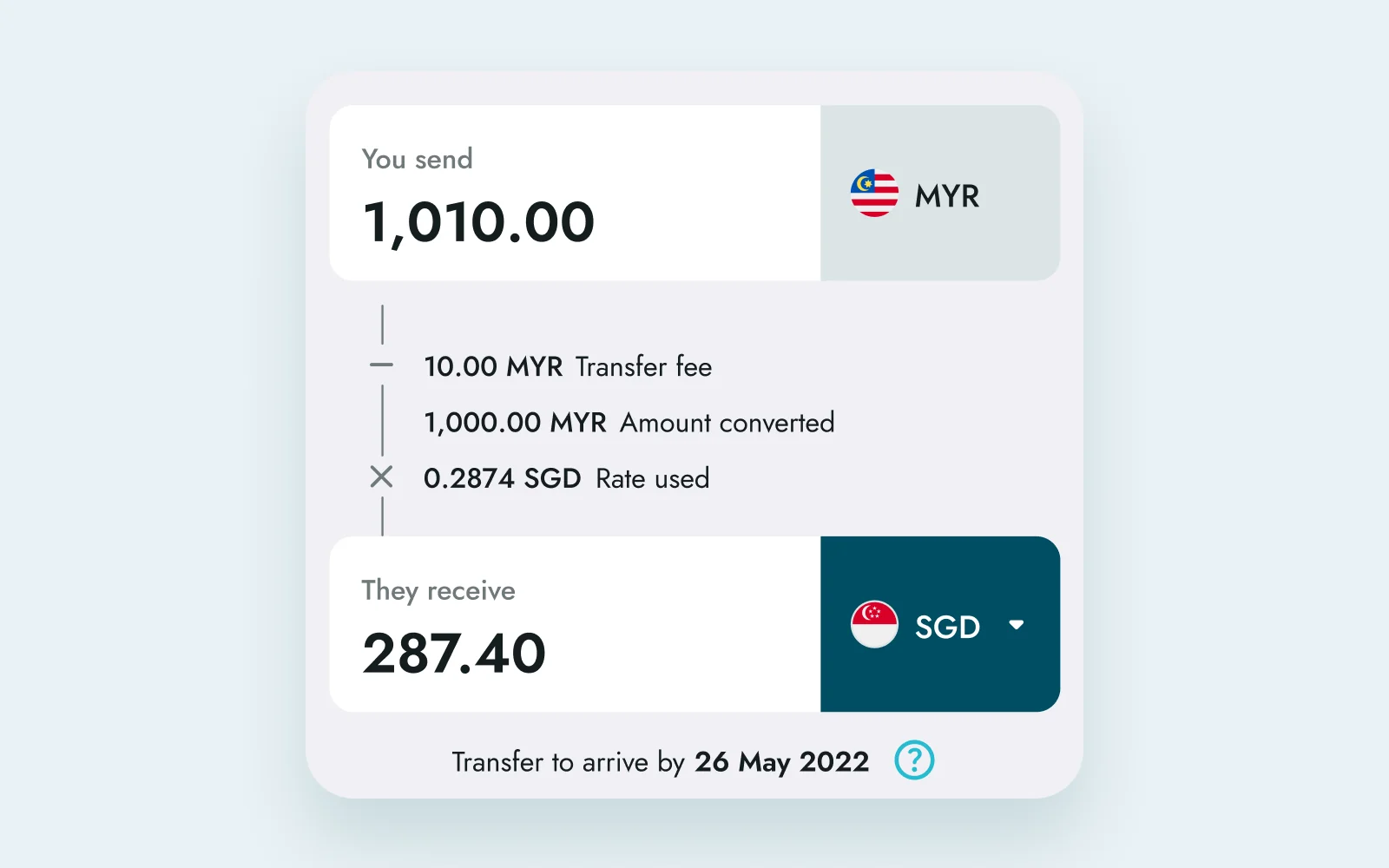
01 · The calculator
The fee and the rate show up as you type.
You enter how much to send and see the fee, the rate and the amount in Singapore dollars straight away. What you see here is what gets sent.
BigPay Remittances · 2022 · 2 min read
Sending money to Singapore usually meant going through a bank or a money changer, and you often didn’t know the rate until it was done.
People already used BigPay every day, so we added Singapore transfers to it.
01 · The calculator
You enter how much to send and see the fee, the rate and the amount in Singapore dollars straight away. What you see here is what gets sent.
 BigPay contactsPayNowBank transfer
02 · Sending options
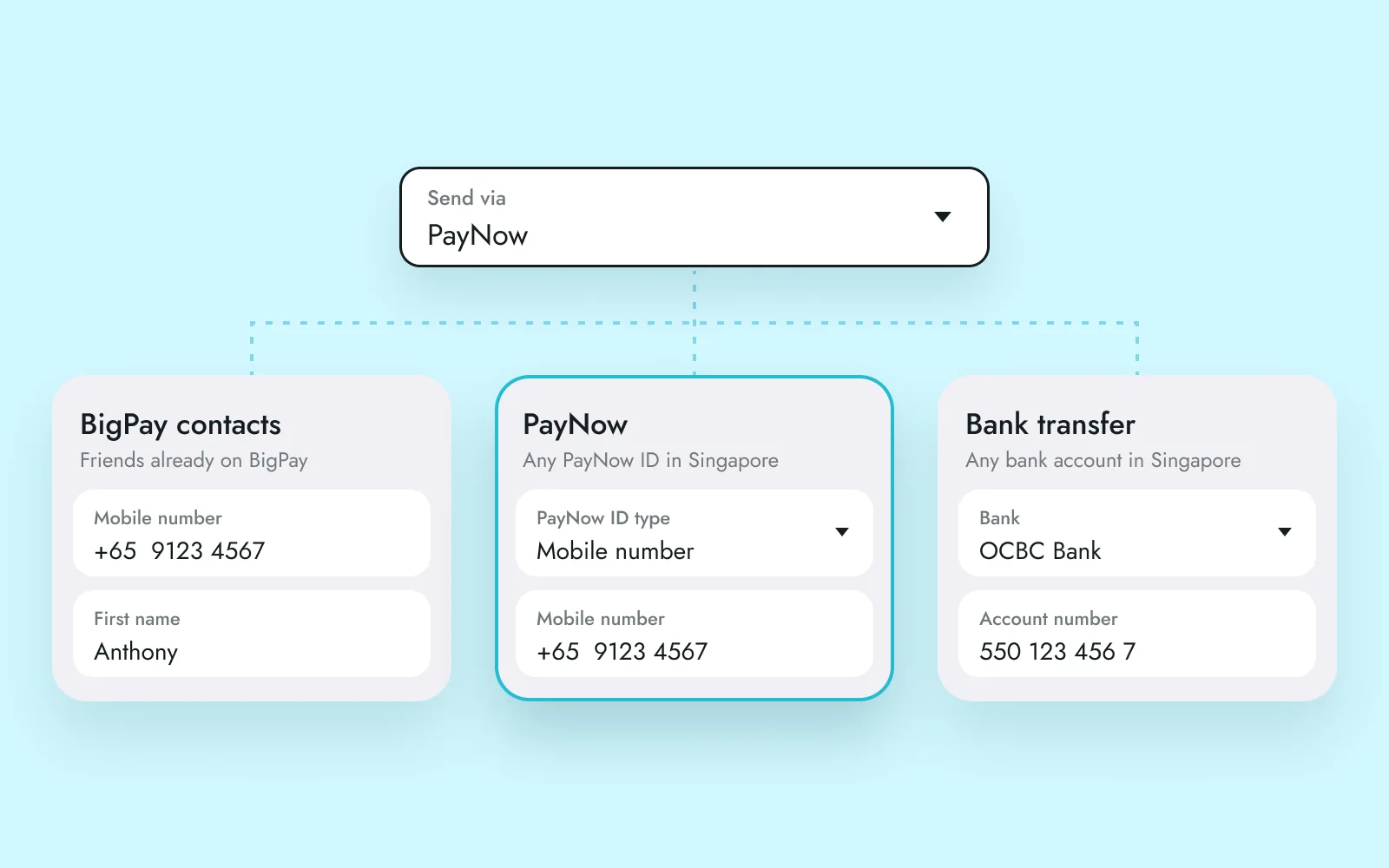
BigPay contacts only need a mobile number. PayNow takes a mobile number, NRIC or UEN, and bank transfers ask for the bank and account number.
03 · Tracking
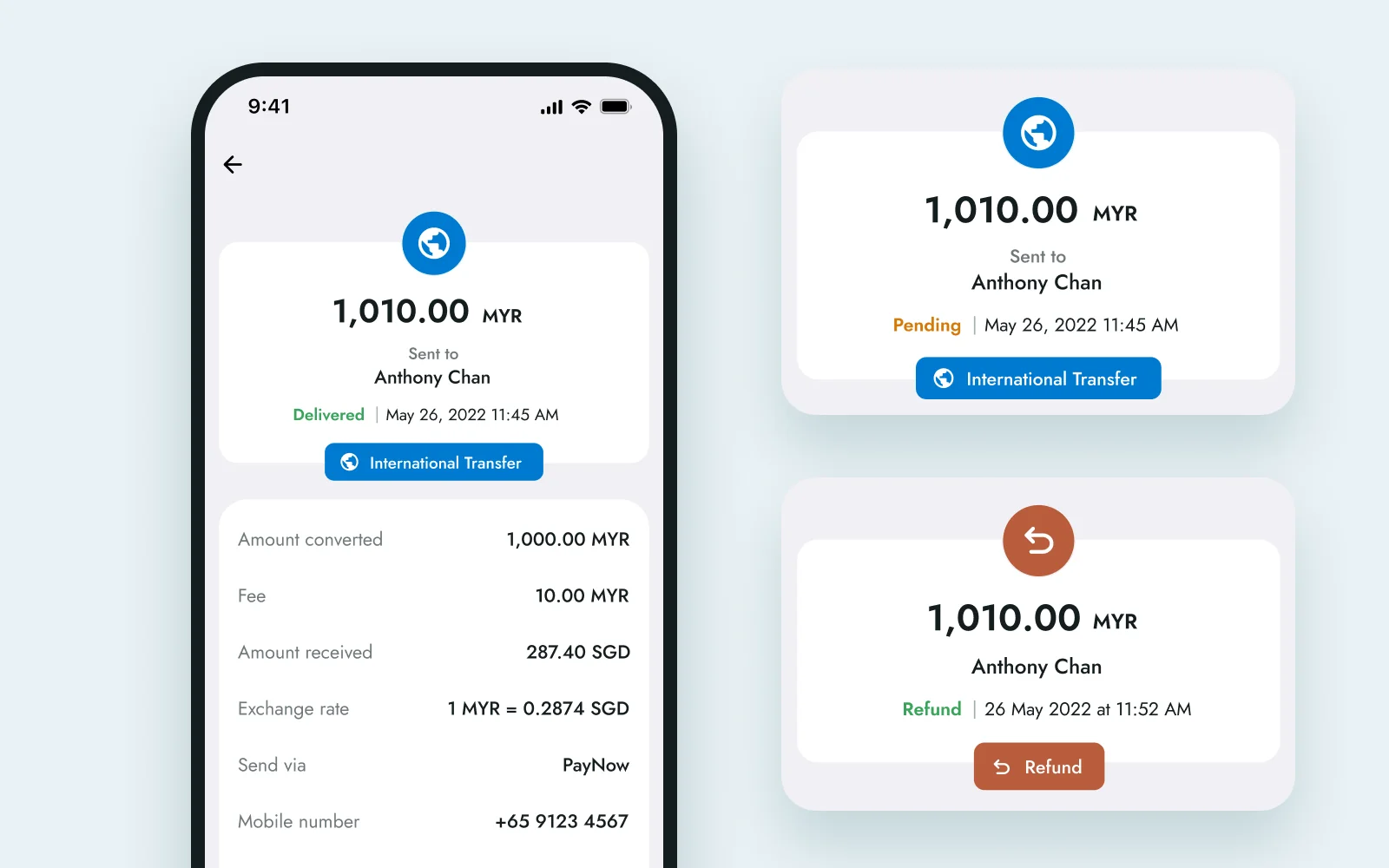
Pending shows when it should arrive, and you get a notification once it’s delivered. If it’s refunded, the receipt says so and the money goes back to your BigPay balance.
Most of my time went into what happens when things go wrong. Hitting a daily limit, a check failing after the OTP, transfers to Singapore being down for a while. Once those were designed, the main flow could stay short.
Like my projects? Email me jordychew93@gmail.com or LinkedIn↗